Understand the process.
See the decisions behind the work, from an idea to a finished project.
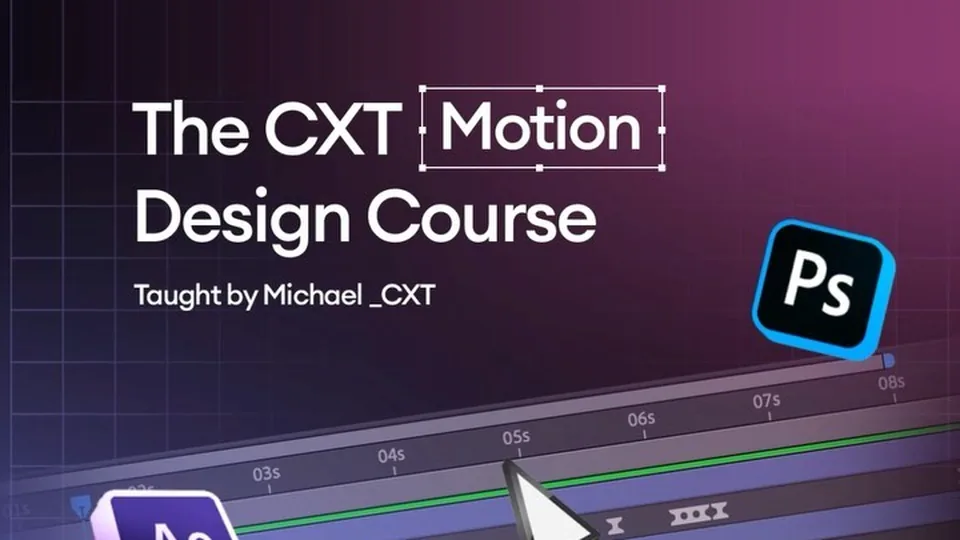 Course · Available now
2D MOTION DESIGN · AFTER EFFECTS
A beginner-friendly 2D motion design course in After Effects. Build your animation skills from the ground up with keyframes, shape layers, type and timing.
See the decisions behind the work, from an idea to a finished project.
Use the learning to develop a project with your own creative direction.
Curriculum outline. The final lesson list, running times and available resources will be confirmed on CXT Learn.
Learn the workspace and how a project is organised.
Explore position, scale, rotation and opacity through practical animation exercises.
Build simple graphic elements and animate type.
Use easing and transitions to connect ideas clearly.
Bring your new skills together in a short animation.
KEEP MAKING
Explore individual project packs, collections and mentorship.
Explore resources & access →